How It Works
Understand the underlying playback engines: normalized timelines, state loops, root motion, and body masking.
Normalized Timings (0% to 100%)
Unlike standard timelines that use absolute timestamps (e.g., 0.45 seconds), Animation Montages uses a normalized playhead (0% to 100%). Markers are stored as percentages, yielding key advantages:
- Perfect Speed Scaling: If playback speed scales dynamically, events stay frame-accurate.
- Seamless Clip Swapping: Swapping an animation clip with one of a different length requires zero timing configuration; a marker at 30% scales automatically.
The Playback State Machine
The Player coordinates playback through a simple, robust state cycle:
Waiting for play requests
Crossfades into the target clip (e.g. 0.15s)
Scrubbing tracks & executing instructions
Fades playhead to normal states
Fires a temporary crossfade override layer. Playback updates, triggers notches, and naturally blends back to Locomotion.
Injects clip into base Animator layer. Player loops or holds final poses continuously until commanded to exit.
Gesture vs. State Playback
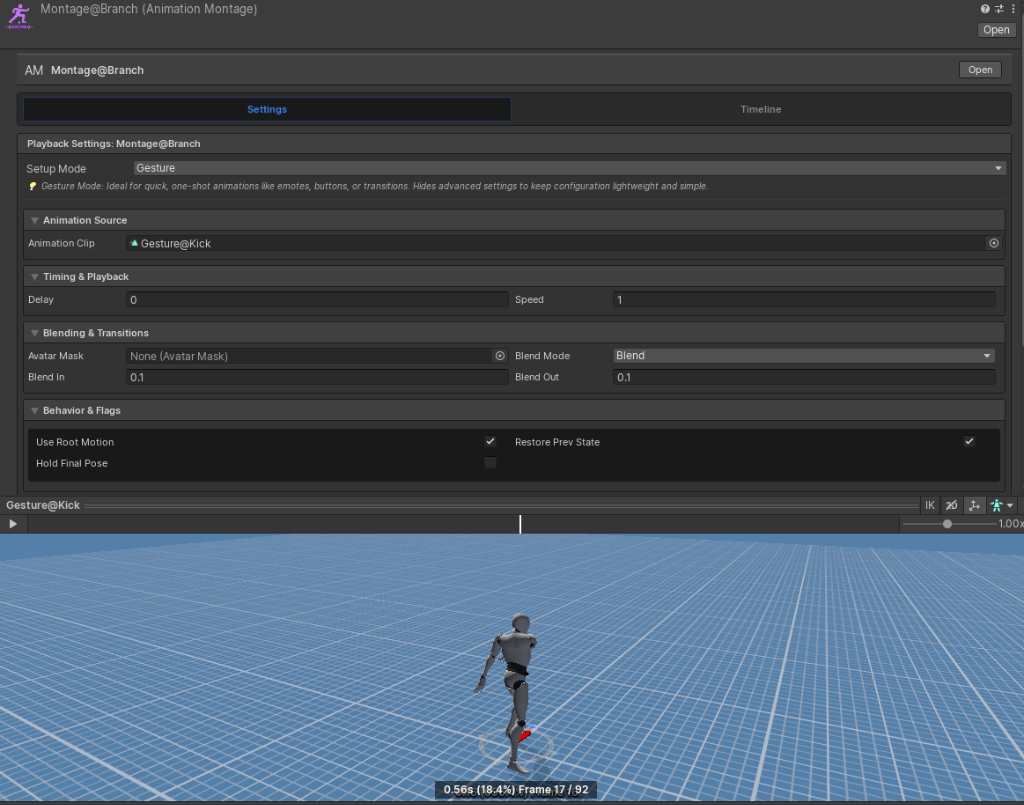
Choose between two playback modes depending on your visual intent:
Gestures (One-Shots)
For temporary actions (drinking, opening chests, dynamic reloads). Plays on top of normal locomotion, blending back smoothly upon completion.
States (Stances)
For sustained behaviors (limping, stealth crawls, carrying heavy loads). Injects animation directly into the base controller, looping until exited.
Authoring State Mode & Transitions
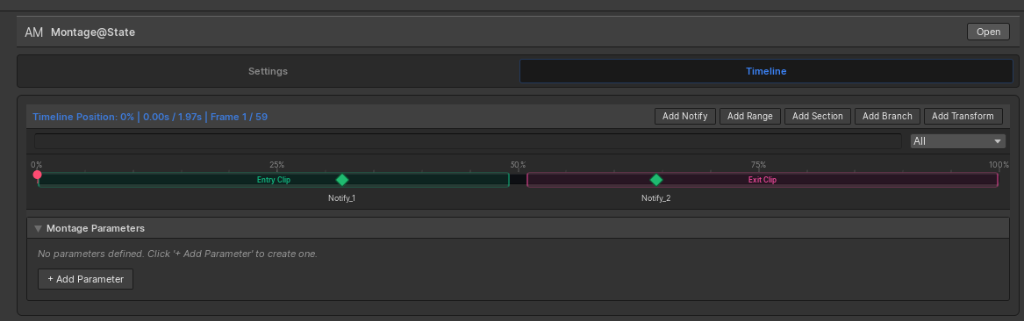
State Mode supports dedicated Entry and Exit transitions. This allows you to smoothly transition into a stance (e.g., crouching down), loop the main stance (e.g., crawling), and play an exit transition (e.g., standing up).

Visual Entry & Exit Segments
The visual timeline displays dedicated Entry Clip and Exit Clip tracks to configure specific event triggers for each phase.
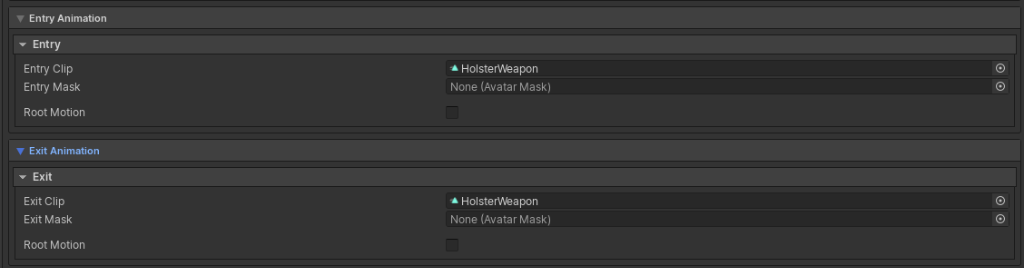
Transition Customization
Set custom entry/exit clips (e.g., holstering a prop) and body masks inside the inspector.
Root Motion Integration
Animation Montages supports full Root Motion blending. Root displacements (translation and rotation) from Unity's animator blend seamlessly with Game Creator's locomotion driver, ensuring foot placements stay perfectly accurate on the ground.
Layers and Avatar Masking
Assign montages to specific animation layers (e.g., Upper Body, Left Hand) and link custom Unity Avatar Masks. This lets you play interactions on the upper torso while the character continues running underneath.