#Game Creator Instructions
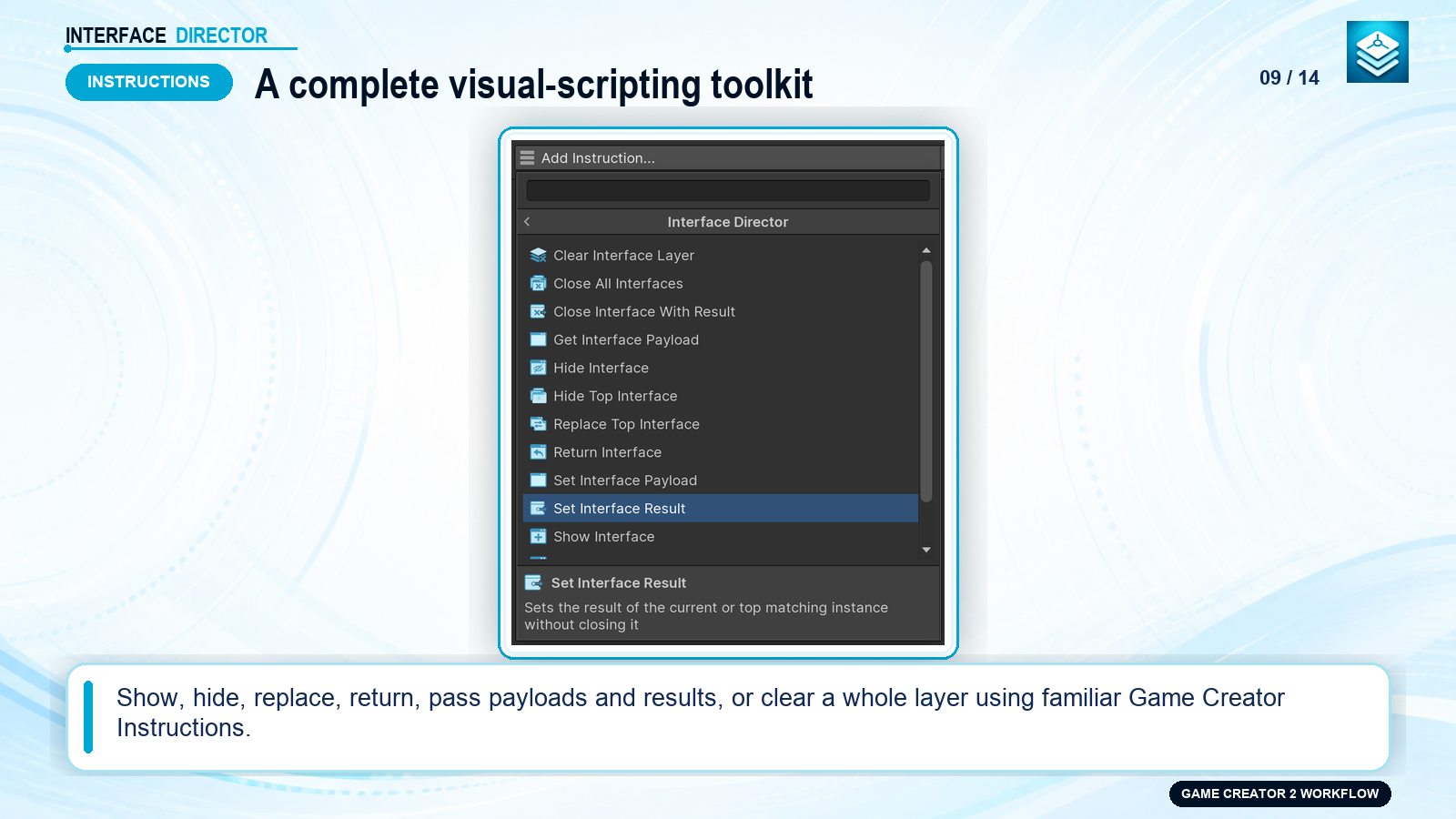
Interface Director provides a full suite of native Game Creator 2 Instructions located under:
UI > Interface Director > ...
#Instructions Reference Table
| Instruction | Purpose |
|---|---|
Show Interface |
Opens an interface instance using its configured presentation space and options. |
Show Interface and Wait |
Opens an interface and pauses the visual scripting graph until that exact instance closes, returning a typed result. |
Hide Interface |
Closes an open interface instance (or target by Asset / Instance Key). |
Toggle Interface |
Toggles the interface: opens if closed, closes if currently open. |
Hide Top Interface |
Closes the topmost active interface in a specific layer (or across all layers). |
Replace Top Interface |
Closes the current top interface and opens a new one in a single atomic transition. |
Return Interface |
Triggers the global Return navigation command on the top active interface. |
Clear Interface Layer |
Closes all open interfaces in a specific logical layer. |
Close All Interfaces |
Immediately closes all open interfaces across all layers. |
Set Interface Result |
Stores a result value on an open interface without closing it. |
Close Interface With Result |
Stores a result value and immediately closes the interface. |
Set Interface Payload |
Updates or sets a payload argument on an active interface instance. |
Get Interface Payload |
Reads a payload value from an active interface into a Game Creator Variable. |
ShowcaseOpen full size ↗
#Show and Wait Workflow
Use Show Interface and Wait when an Action graph must halt until player interaction completes (e.g. dialogue choice, confirmation modal, or shop checkout):
Action Graph:
1. Show Interface and Wait (ConfirmDialog)
2. Branch on Result:
   ├── If Confirm -> Deduct Gold -> Grant Item
   └── If Cancel  -> Abort Transaction