#Introduction
Interface Director is a centralized, opinionated UI architecture and runtime manager designed specifically for Game Creator 2.
Its purpose is not merely to show and hide Unity GameObjects. It establishes a predictable structure for every HUD, menu, overlay, modal, system screen, and debug interface in your project.
#What is Interface Director?
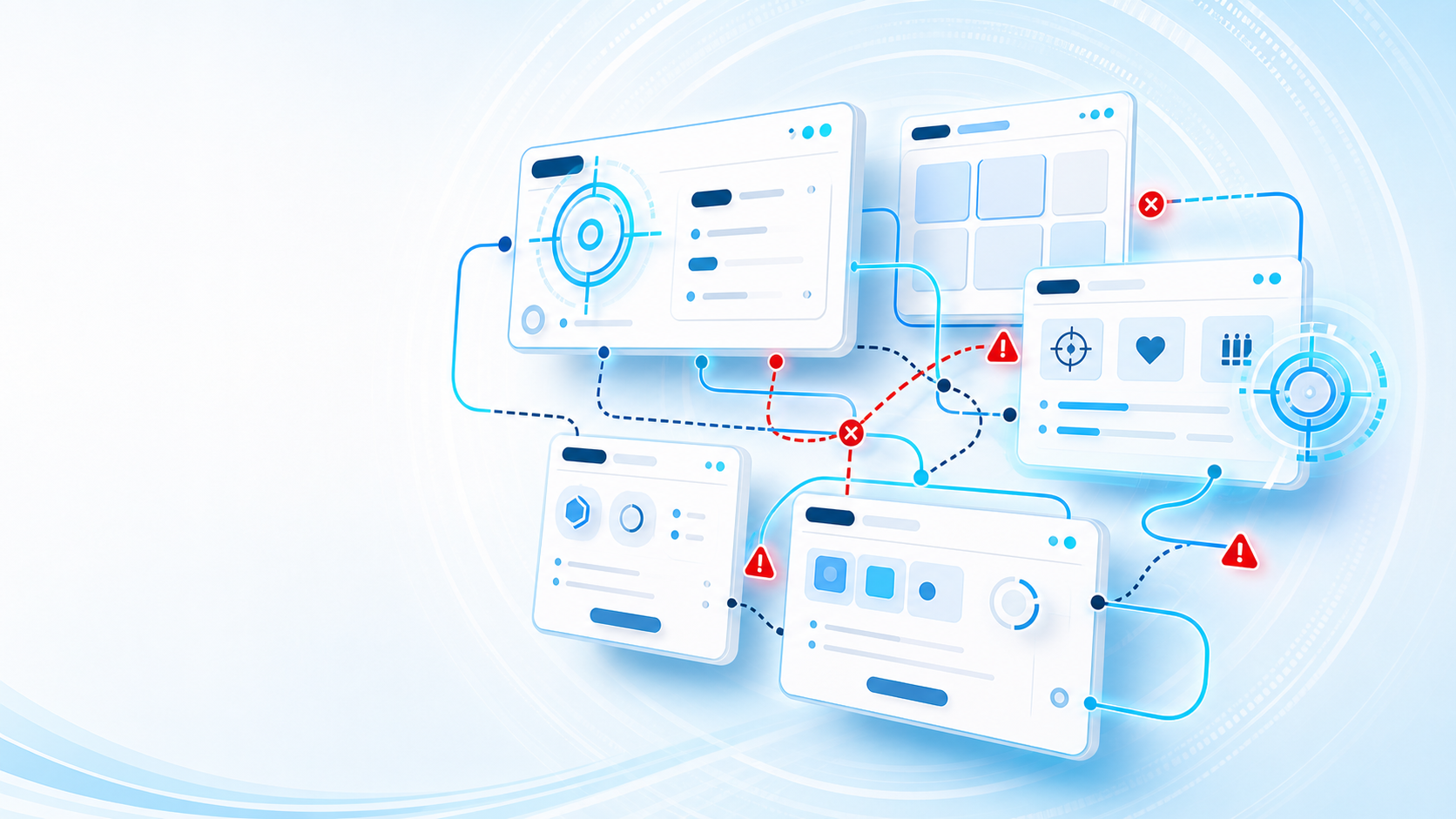
Without a central manager, game projects often instantiate canvases and menus independently—producing duplicated logic, inconsistent navigation, unclear ownership, and tangled UI hierarchies. Interface Director eliminates this complexity by requiring all managed interfaces to enter and leave the screen through one centralized route.
#The Problem It Solves

#Core Features
Central Authority
Single authoritative route for showing, hiding, replacing, returning, and closing all interfaces.
6 Logical Layers
HUD, Menu, Overlay, Modal, System, and Debug layers with automatic suspension and resumption.
4 Presentation Spaces
Screen Space Overlay, Screen Space Camera, World Space 3D Canvases, and World Anchored projections.
Dual UI Backends
Native first-class support for both Unity uGUI and modern UI Toolkit (UIDocument & PanelRenderer).
Dynamic Payloads
Pass typed arguments on show requests with zero-code visual data-binding components.
Show and Wait
Awaitable async completion in visual scripting graphs with typed return values (Confirm, Cancel, Custom).
#The Authoring Model
Interface Director cleanly separates definition from presentation:
Interface Asset
└── Defines what the interface is: Layer, Lifetime, Instance Policy, Return Policy, and Opening Admission

Interface View Prefab
└── Contains visual layout (Canvas / UIDocument) and the InterfaceView component
#Documentation Roadmap
Getting Started
Installation, core concepts, and creating your first interactive interface.
Assets & Views
Asset settings, policies, view prefab generation, and renderer backends.
Layers & Navigation
The 6 logical layers, UI Mode automation, admission rules, and return policies.
Presentation Spaces
Screen Space, World Space Canvases, 3D World Anchored projections, and indicators.
UI Toolkit Guide
Native UI Toolkit workflow, UXML/USS styling, and instruction binders.
Game Creator Actions
Visual scripting instruction library, conditions, events, and properties.