#Layers & Navigation
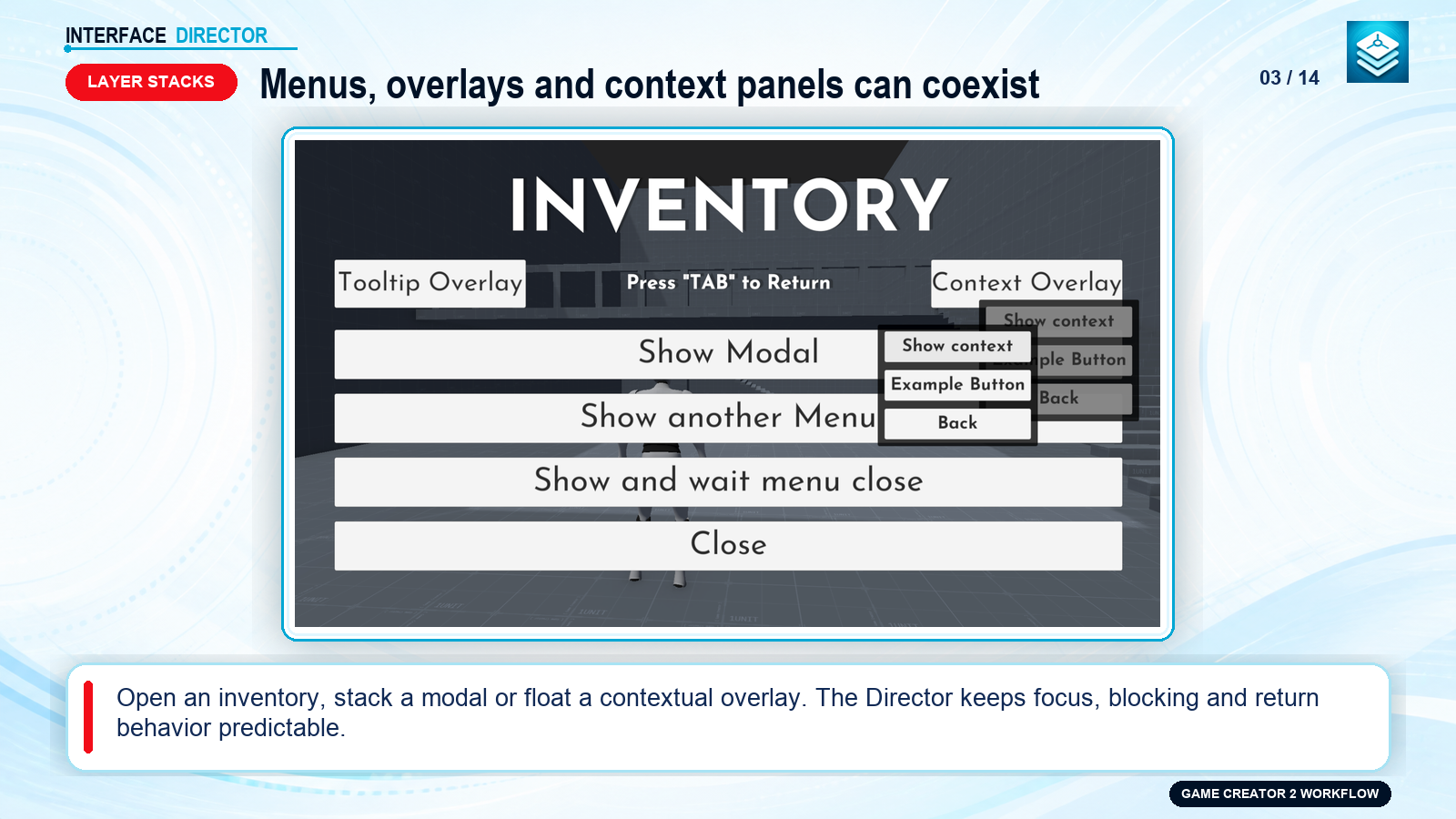
Interface Director coordinates all active interfaces using 6 dedicated logical layers, automatic UI Mode boundaries, Opening Admission rules, and Return navigation stacks.
#The 6 Logical Layers
▲ [Debug]     -> Overlays, telemetry, logs, cheats (Never blocks gameplay UI)
│ [System]    -> Loading screens, error prompts, critical system dialogs (Always blocks lower UI)
│ [Modal]     -> Confirmation dialogs, alerts, popup prompts (Always blocks lower UI)
│ [Overlay]   -> Contextual panels, item tooltips, radial wheels, sidebars
│ [Menu]      -> Inventory, pause menu, quest log, skill trees (Stack navigation; only top is active)
▼ [HUD]       -> Health bars, mini-maps, reticles, quest tracker (Concurrent gameplay displays)
ShowcaseOpen full size ↗
#Global UI Mode Boundaries
When interfaces in interactive layers (Menu, Modal, System) open:
- The Director automatically enters UI Mode.
- It runs project-wide On Enter UI Mode instructions configured in Project Settings (e.g. unlocking cursor, disabling player character motor, pausing game time).
- When the last interactive interface closes, the Director exits UI Mode and runs On Exit UI Mode (e.g. locking cursor, restoring player character motor, resuming time scale).
#Opening Admission Rules
Control what interfaces may open over each other on a per-asset basis under Navigation Behavior > Opening Admission:
- Default Action: Set to
AlloworDeny. - Exact Overrides: Specify exceptions. For example, on
PauseMenu, set Default toDenyand addSettingstoAllow. - Directional Opening:
PauseMenucan open overInventory, butInventorycannot open overPauseMenu.
#Return Navigation
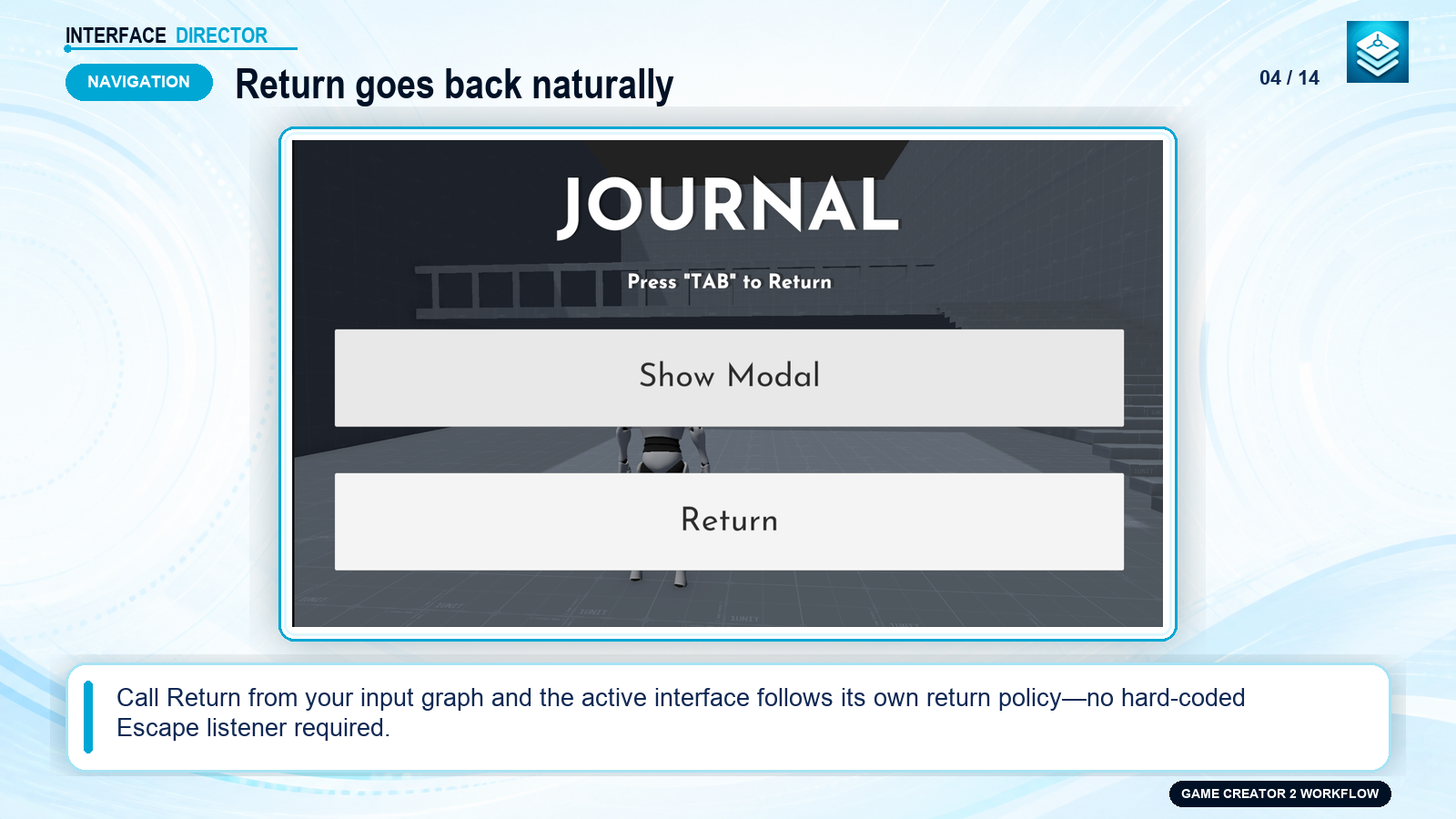
When the player triggers Back / Cancel / Escape, execute the Return Interface Instruction. The top active interface evaluates its Return Policy:
| Return Policy | Behavior |
|---|---|
| Close | Closes the current top interface and resumes the interface underneath. |
| Consume | Intercepts the return command, keeping the interface open (e.g. closing a sub-tab first). |
| Pass Through | Lets the next lower interface handle the return command. |
| Custom | Executes custom On Return visual scripting instructions defined on the View. |
ShowcaseOpen full size ↗
#Suspension & Resumption
When a higher-priority interface opens on top of a Menu or Overlay:
- The lower interface is transitioned to the Suspended state.
- If Hide When Suspended is enabled, visual elements are automatically hidden to save draw calls and keep the screen clean.
- When the upper interface closes, the lower interface automatically Resumes, triggers its Resume transition, and restores focus.