#Best Practices
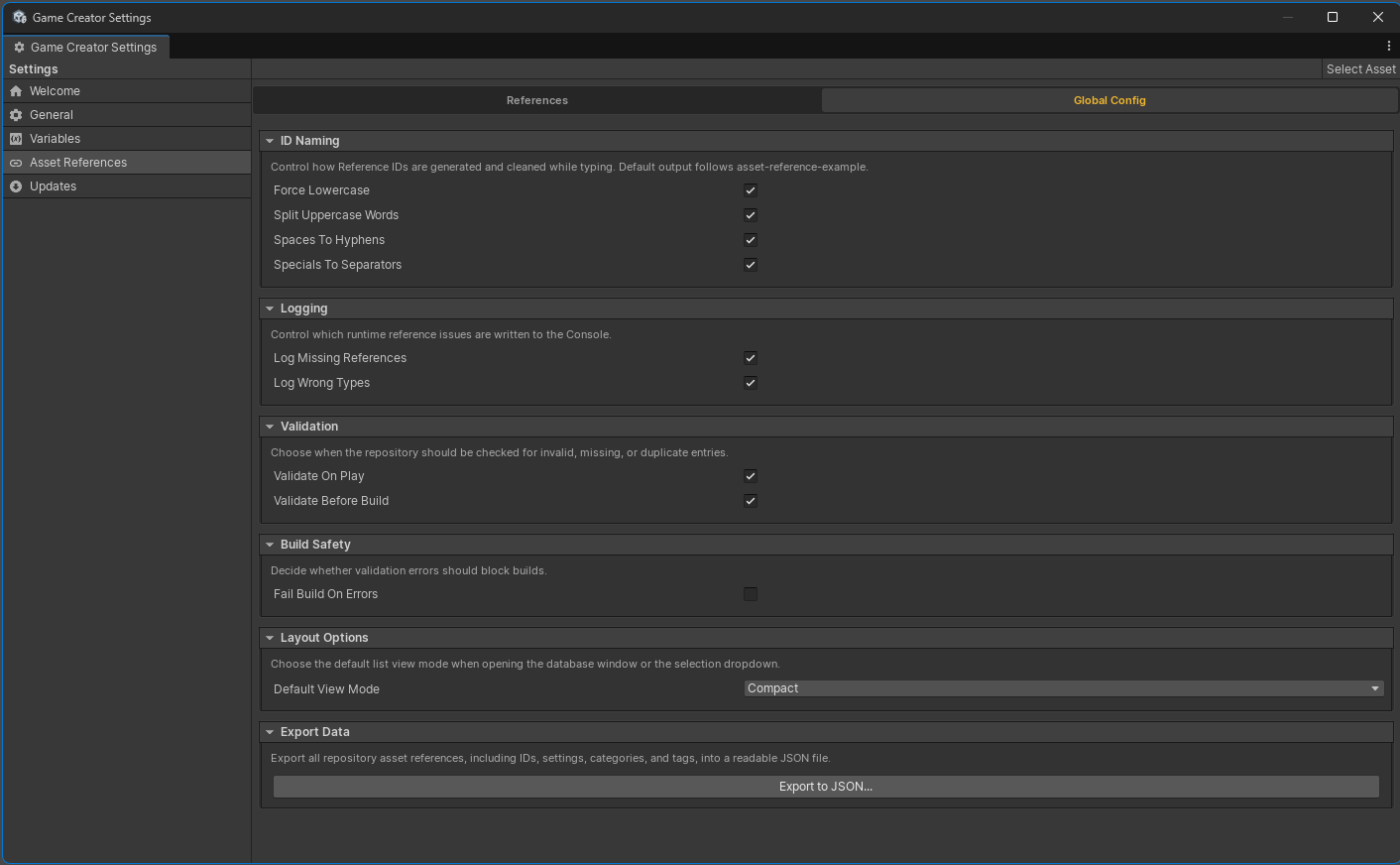
Use Asset References as a stable project language, not just a shortcut for object fields.
#Naming IDs
Prefer IDs that describe how the asset is used:
audio-music-battle-theme
audio-hit-impact
prefab-boss-enemy
sprite-ui-key-icon
material-slime
scene-dungeon-entry
Keep IDs lowercase, readable, and stable. Avoid using temporary file names that are likely to change.
#Categories And Tags
Use category for broad grouping and tags for workflow-specific filters.
| Field | Good use |
|---|---|
| Category | audio, ui, prefabs, materials, scenes |
| Tags | combat, menu, example, streamed, boss |
Tags are also useful for Addressables labels on Streamed entries.
#Direct First
Start with Direct references unless you know an asset needs streaming. Direct mode is simpler, synchronous, and ideal for always-needed content.
#Stream Intentionally
Use Streamed mode for large optional assets, scene-specific content, or assets that should be loaded and released around gameplay beats. Choose preload and release policies deliberately.
#Keep Disabled Entries Visible
Disable entries when you need to temporarily remove runtime access without losing metadata, usages, or naming history. Remove entries when the ID should no longer exist.
#Avoid Scene Objects
Asset References are for project assets and prefabs, not scene instances. Use Game Creator Alias for scene object IDs.
#Validate After Content Changes
Run validation after asset moves, bulk generation, Addressables changes, package imports, and before release builds.