
#Examples
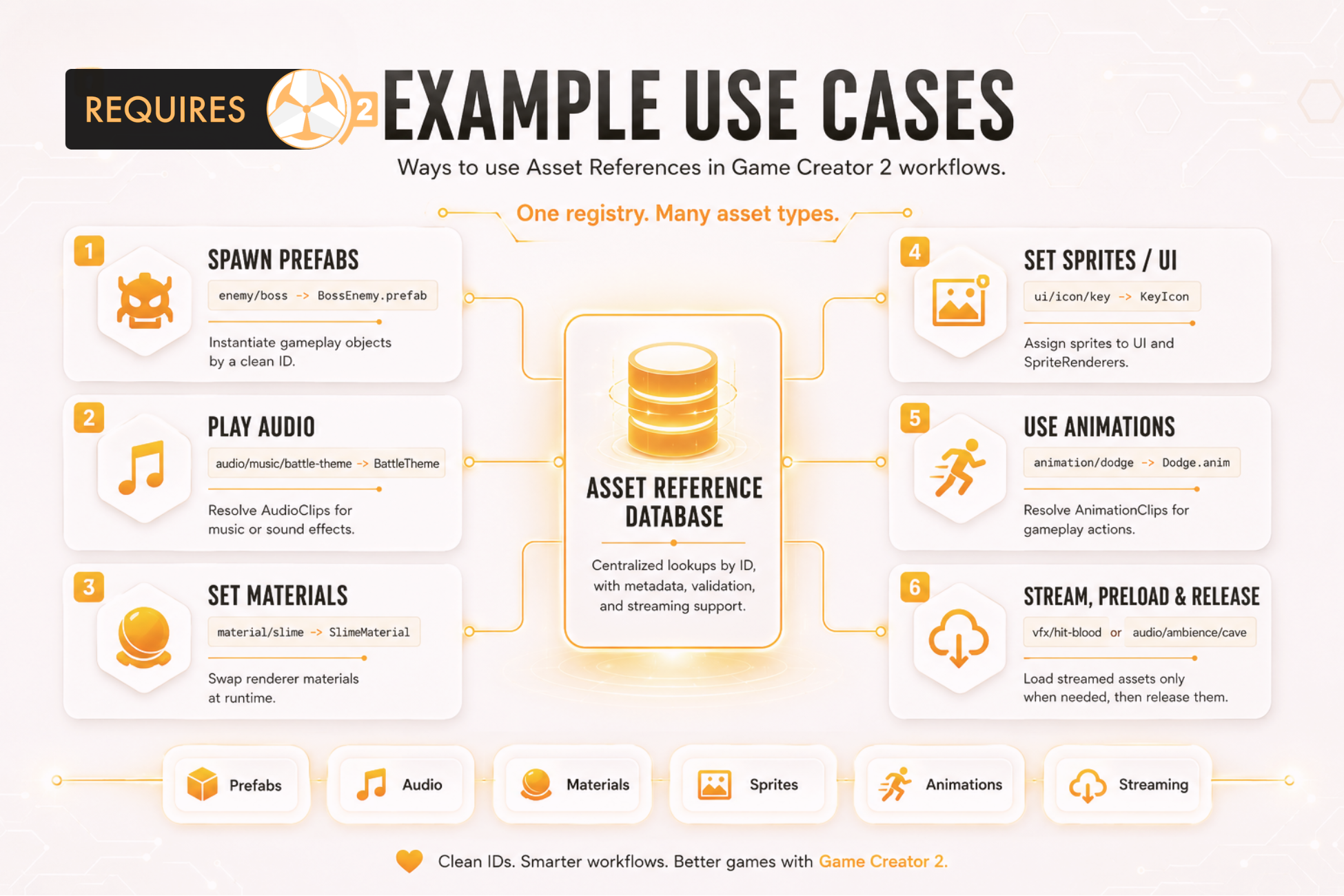
These patterns cover the most common ways to use Asset References in production.
#Direct Audio Clip
Register HitImpact.wav as audio-hit-impact, then select it from the Audio Clip field in Play Sound Effect.
AudioClip clip = AssetReferences.Get<AudioClip>("audio-hit-impact");#Prefab Spawn
Register a prefab as prefab-boss-enemy and instantiate it safely.
if (AssetReferences.TryGet("prefab-boss-enemy", out GameObject prefab))
{
    Instantiate(prefab, spawnPoint.position, spawnPoint.rotation);
}#Streamed Material
Set a large optional material to Streamed, use Manual preload policy, and load it when a scene or encounter needs it.
AssetReferences.Preload("material-boss-arena");
Material material = AssetReferences.Get<Material>("material-boss-arena");
Release it after the sequence if the entry uses manual release.
AssetReferences.Release("material-boss-arena");#Variable-Driven Reference
Use a local Asset Reference variable named current-music, set it with Set Local Asset Reference, and resolve it from any compatible Asset Reference field.
#Scene Reference
Register a Scene asset and use Resolve Scene Asset Reference to assign its build index to a Number property or variable.
#Resolve-To-Variable Workflow
Use Resolve Sprite Asset Reference, Resolve Audio Asset Reference, or similar instructions to resolve a registered asset and assign it into a Game Creator property or variable without custom script.